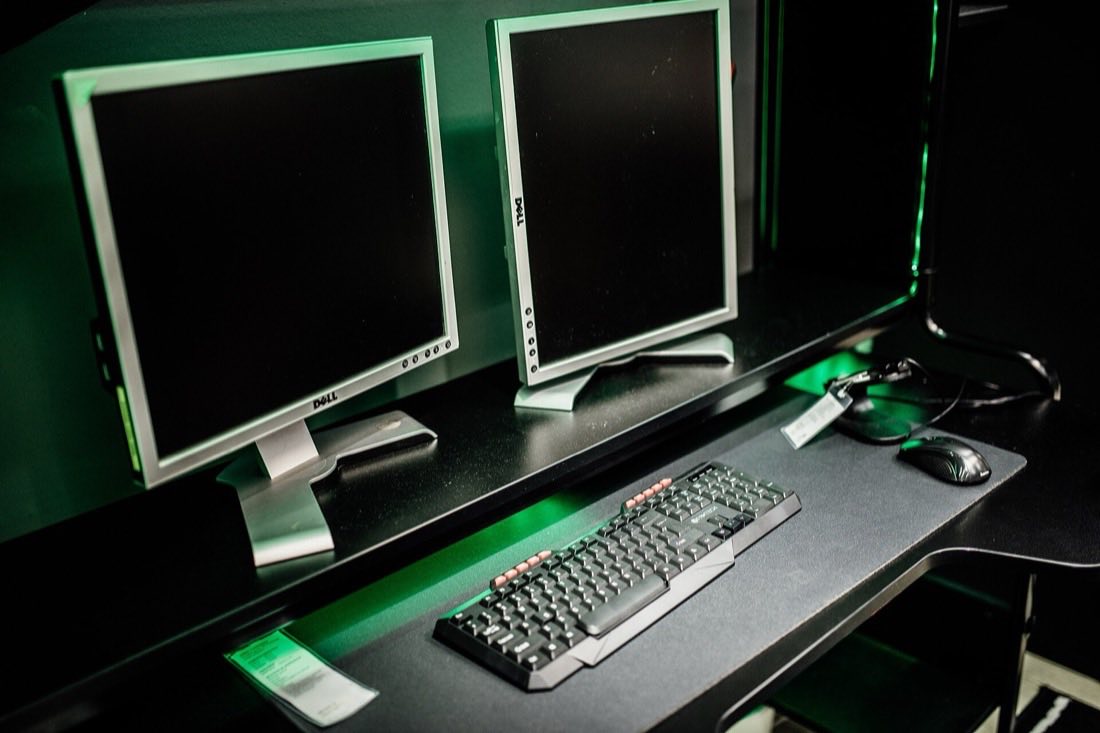
Not everyone plays in the living room. If your console is in your bedroom or on a desk, a monitor may be better than a TV: it looks sharper up close, takes less space and is usually cheaper. Here's which one to pick for GTA 6.
What to look for
- Resolution: PS5, PS5 Pro and Xbox Series X upscale GTA 6 to 4K. A 1440p monitor is also supported on PS5 and Xbox and looks good at 27 inches. Full HD only makes sense with Xbox Series S or a small budget.
- HDMI 2.1: not needed for GTA 6, but it is for other games at 4K and 120 Hz.
- Size: 27 inches is ideal for a normal desk.
- Sound: almost all sound bad or have no speakers. Use headphones.
- HDR: cheap monitor HDR barely shows. If picture quality matters a lot, look at OLED.
The best 4K monitors for console
LG UltraGear 27GR93U
27-inch 4K, 144 Hz and HDMI 2.1. Highly recommended in reviews for PS5 and Xbox for its value.
Check price on AmazonSamsung Odyssey G7 4K 28-inch
28-inch 4K with HDMI 2.1, 144 Hz and built-in smart TV, so you can watch Netflix or YouTube without the console.
Check price on AmazonBest picture: OLED
MSI MAG 271QPX QD-OLED
A 1440p OLED monitor with perfect blacks and very vivid colors. GTA 6's night scenes look stunning.
Check price on AmazonBudget picks that do the job
Gigabyte M27Q
27-inch 1440p at a good price. Works on PS5 and Xbox at 1440p and looks much better than Full HD.
Check price on AmazonAOC 24G2
24-inch Full HD, very cheap and reliable. A good option for Xbox Series S or tight budgets.
Check price on AmazonHow to set up a PS5 with a monitor
- Go to Settings > Screen and Video > Video Output.
- Under Resolution, leave Automatic or pick your monitor's (2160p or 1440p).
- Adjust HDR in Settings > Screen and Video > Adjust HDR if your monitor supports it.
Our pick
- PS5 or Series X and you want the best value: LG UltraGear 27GR93U.
- You want the best picture: MSI MAG 271QPX QD-OLED.
- Low budget: Gigabyte M27Q, or AOC 24G2 if you have a Series S.
Playing in the living room? See the best TV for GTA 6.
FAQ
Is a monitor or a TV better for GTA 6?
If you play in the living room, a TV. If you play at a desk, less than a meter away, a 27-inch monitor looks better and takes up much less space.
What monitor resolution do I need for GTA 6 on PS5?
Ideally 4K, because PS5 and PS5 Pro upscale the game to 4K. A 1440p monitor also works well on PS5 and is cheaper.
Do I need a 144 Hz monitor for GTA 6?
No, because GTA 6 runs at 30 FPS. But almost every gaming monitor already has 144 Hz or more, which helps with other games at 60 or 120 FPS.
Can I hear the game through the monitor?
Many monitors have no speakers or very weak ones. Most people use headphones plugged into the controller.
Sources
Read this article in Spanish.