GTA 6 is probably the best-looking game of this generation: pink sunsets, Vice City neon, storms over the swamps... But on a mediocre TV much of that is lost. Here's what to look for and which TV to pick for your budget.
What to look for
- 4K: PS5, PS5 Pro and Xbox Series X upscale GTA 6 to 4K. On a Full HD TV you lose sharpness.
- Real HDR: look for a TV with good brightness or an OLED. A cheap TV with "HDR" on the box but little brightness barely improves the picture.
- Contrast: half the game happens at night. OLED and Mini LED TVs show deep blacks without the city lights blooming.
- Game mode: every TV in this guide has a game mode with low input lag.
- HDMI 2.1 and 120 Hz: in GTA 6 they only help on Xbox Series X, which can use VRR to smooth dips. On PS5, VRR only works above 48 FPS, so it doesn't kick in here. For other games at 60 or 120 FPS, they're worth it.
Not sure about the console? See GTA 6 on PS5, PS5 Pro and Xbox: where it runs best.
The best OLED TVs for GTA 6
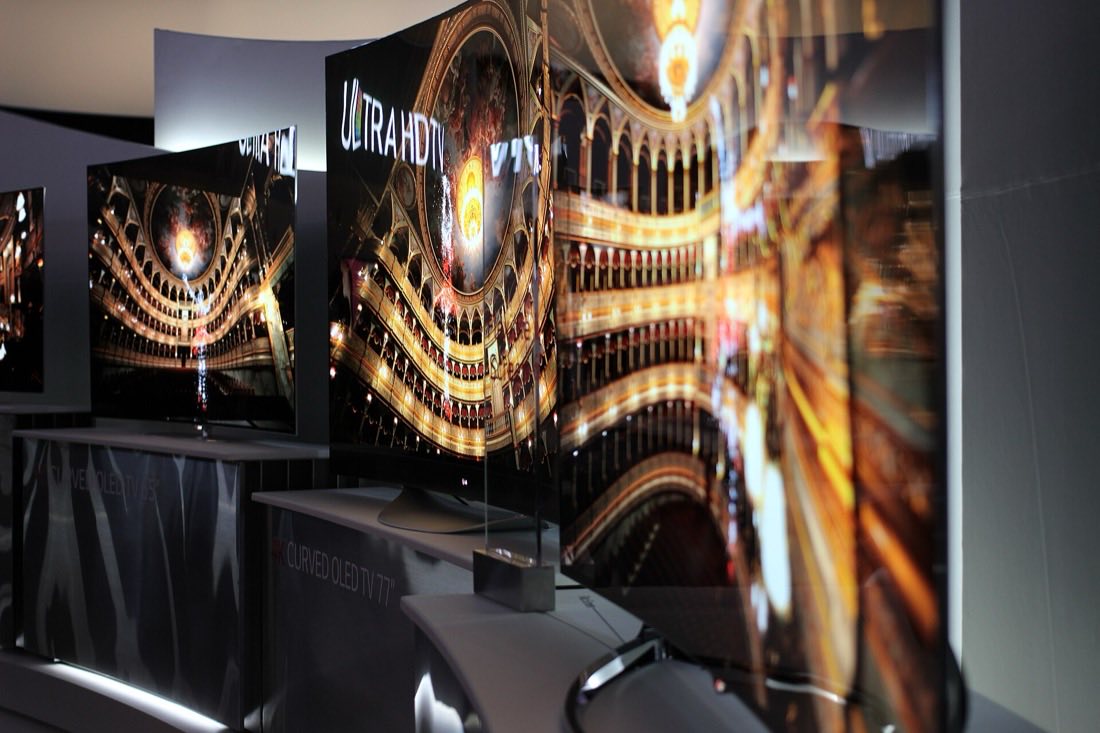
They show it best: perfect blacks, rich colors and spectacular HDR.
LG OLED evo C5
Many gamers' favorite TV: OLED, 4K, four HDMI 2.1 ports and an excellent game mode. Sold from 42 to 83 inches.
Check price on AmazonSamsung OLED S90F
Another OLED with great brightness and vivid colors, ideal for Vice City's neon.
Check price on AmazonSony BRAVIA 8 II
Sony's OLED, with very natural image processing and PS5-focused features like automatic HDR tone mapping.
Check price on AmazonMini LED: lots of brightness for less money
If you play in a very bright living room, a Mini LED gets brighter than an OLED and usually costs less.
Samsung Neo QLED QN90F
High-end Mini LED with lots of brightness and very few reflections.
Check price on AmazonHisense U7 Mini LED
One of the best-value Mini LEDs: good HDR and 4K with HDMI 2.1.
Check price on AmazonTCL C7K QD-Mini LED
Another affordable Mini LED with good brightness and contrast for the price.
Check price on AmazonWhat size should I pick?
| Distance to the couch | Recommended size |
|---|---|
| Under 5 ft | 42–48 inches |
| 5 to 7 ft | 55 inches |
| 7 to 9 ft | 65 inches |
| Over 9 ft | 75 inches or more |
TV settings for GTA 6
- Turn on game mode (or "Game Mode" / "ALLM") to reduce lag.
- Calibrate the console's HDR: on PS5, in Settings > Screen and Video > Adjust HDR; on Xbox, with the HDR Game Calibration app.
- Turn off the TV's motion smoothing (TruMotion, Motion Xcelerator, etc.) if you're not in game mode.
Our pick
- You want the best picture: LG OLED C5.
- Bright living room: Samsung QN90F.
- Tight budget: Hisense U7 or TCL C7K.
Round out your setup with good headsets for GTA 6, LED lights behind the TV and, if you're short on space, an SSD for your console. Playing at a desk? See the best monitor for GTA 6.
FAQ
What TV is best for GTA 6?
A 4K OLED with good HDR, like the LG C5 or Samsung S90F. GTA 6 is full of sunsets, neon and night scenes, and that's where OLED contrast makes the difference.
Do I need a 120 Hz TV for GTA 6?
No. GTA 6 runs at 30 FPS on every console. 120 Hz and HDMI 2.1 only help a little on Xbox Series X, which can use VRR to smooth dips. They're worth it for other games.
Is a 4K TV worth it for GTA 6?
Yes. PS5, PS5 Pro and Xbox Series X output the image upscaled to 4K, and it looks much sharper on a 4K TV than on a Full HD one.
What TV size is best for gaming?
For a typical living room, 55 to 65 inches. As a rule of thumb, sit 1 to 1.5 times the TV's diagonal away.
Sources
Read this article in Spanish.